Put runnable Python on your own page
A code box your readers can edit and run, inside your blog post, course page or GitHub README. Free, no account, no API key — and the code runs in your reader’s browser, so it never reaches our servers.
Getting the code: three clicks
- Write or paste your Python in the playground. Several files are
fine — the embed keeps them as tabs, and
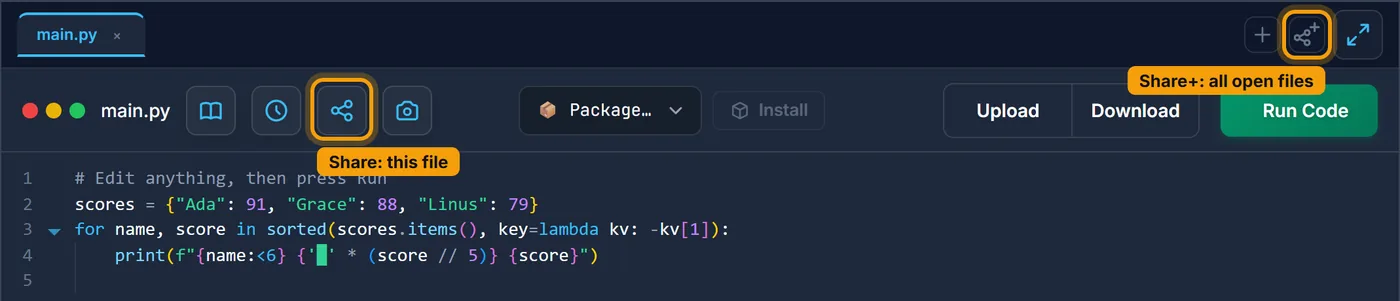
importbetween them works. - Open one of the two share buttons — which one decides what goes in the box (see below).
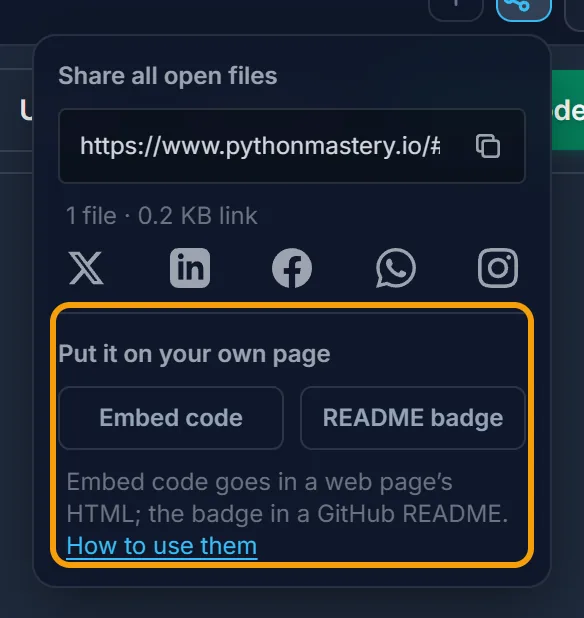
- Under Put it on your own page, press Embed code for a web page or README badge for GitHub. It is copied; paste it where it goes.
Share or Share+?
| Share | Share+ | |
|---|---|---|
| Where it is | the toolbar under the file tabs (“Share this file”) | the right end of the file tabs (“Share all open files”) |
| What goes in the box | only the file you are looking at | every open file, as tabs |
| Use it when | the example is one file — most blog posts | the code imports another of your files, or you want to show a small project |
If your main.py says import helpers, use Share+:
an embed made with Share would hold main.py alone, and the import would fail
for your readers.
The code travels inside the link itself. There is nothing stored on our side and nothing to keep in sync — which also means that to change the code later, you make a new snippet.
In a blog post or course page
The embed code is one HTML <iframe>. It goes anywhere that accepts raw HTML:
- WordPress — a Custom HTML block.
- Ghost — an HTML card.
- Hugo, Jekyll, Astro, Eleventy — straight into the Markdown file.
- A school or course platform — its HTML or source view. Some administrators turn iframes off; if the box does not appear, that is why.
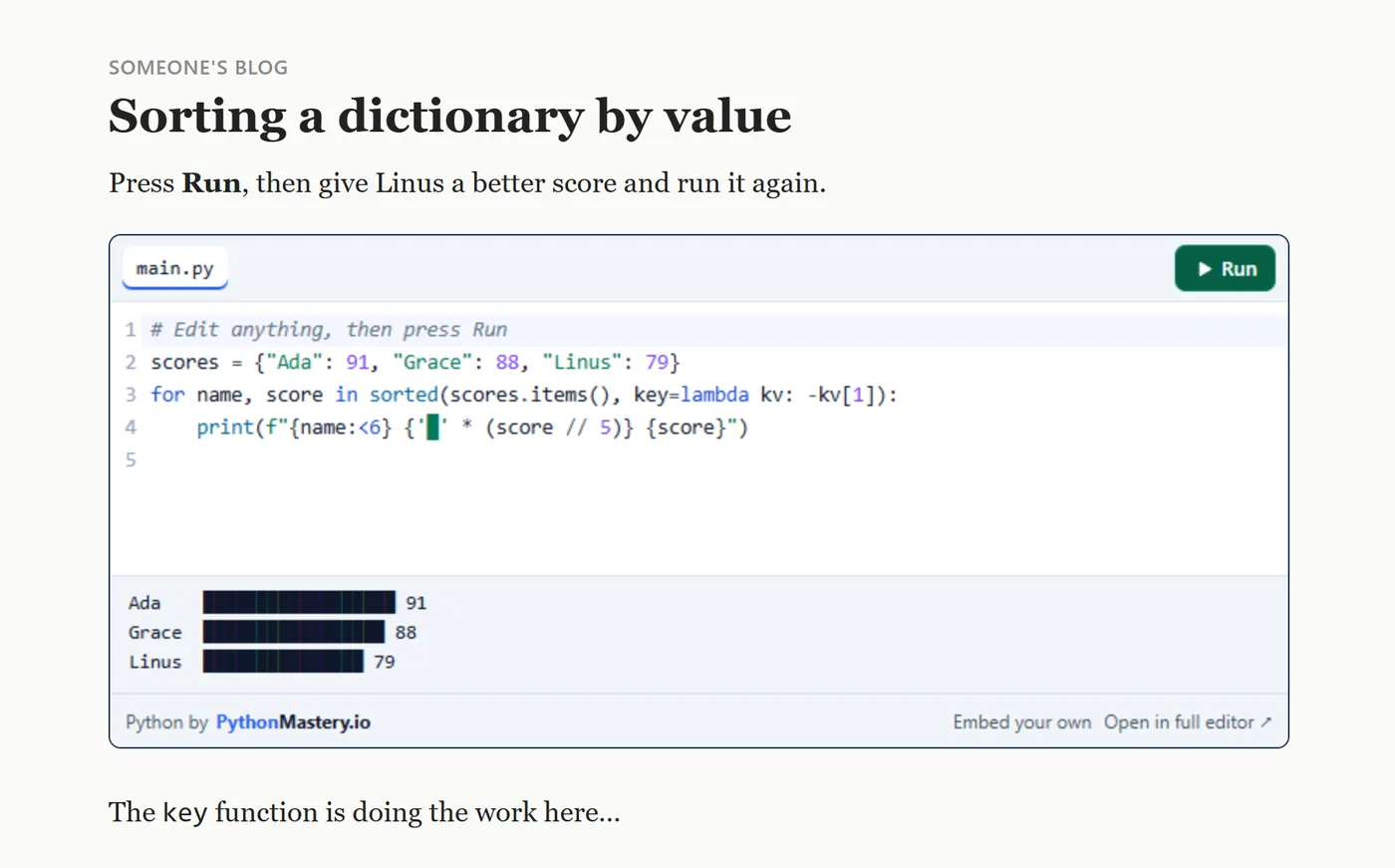
Sample file: the post in that picture, ready to copy — open it or download it. The box is marked between two comments; swap in your own embed code. Double-click the downloaded file and it opens in your browser with the box working, before it is anywhere near a website.
Editors that accept only plain text or their own widgets (Medium is one) will not show it. Link to the playground there instead: the Share link opens your code the same way.
<iframe src="https://www.pythonmastery.io/embed/#p=…" width="100%" height="320"
  style="border:1px solid #24324d;border-radius:8px"
  title="Runnable Python example" loading="lazy"></iframe>
Adjusting it
| You want | Change |
|---|---|
| A taller or shorter box | height="320" — the copied value already fits your code |
| A fixed colour scheme | add ?theme=light, ?theme=dark or ?theme=eye-saver before the #: /embed/?theme=light#p=… |
| Follow the reader’s system setting | leave it out — that is the default |
On GitHub: the README badge
The badge is one line of Markdown. Paste it into your README.md and it shows as

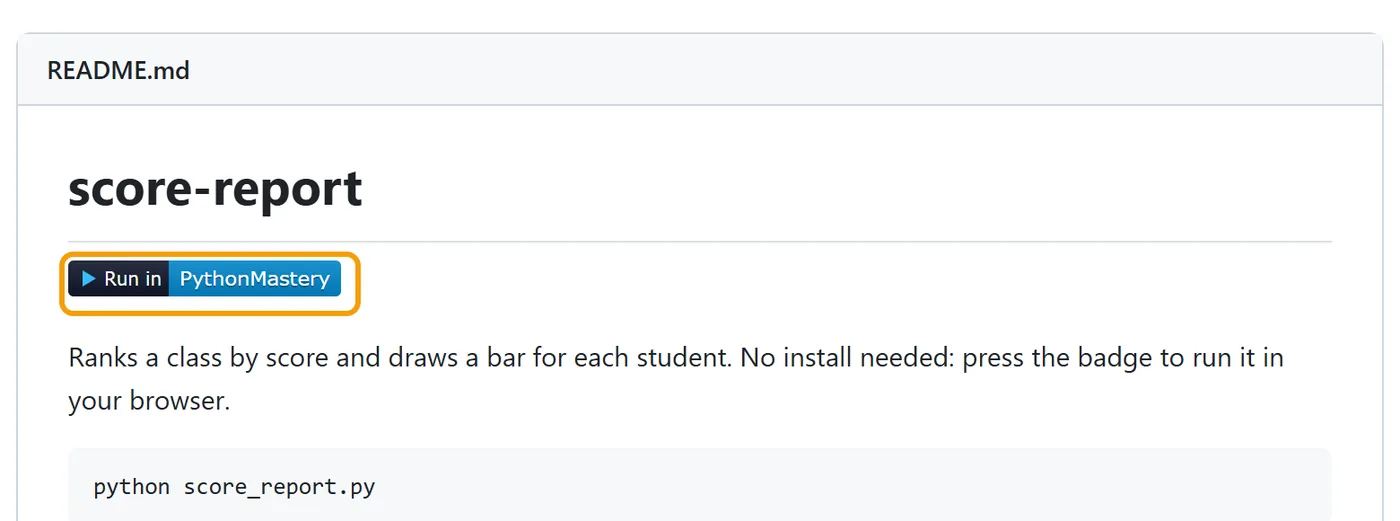
Sample file: the README in that picture — view it or download it as README.md.
Anyone who clicks it lands in the playground with your code already open and ready to run — the same idea as an “Open in Colab” button, with no sign-in on the other side.
[](https://www.pythonmastery.io/?utm_source=badge&utm_medium=readme#p=…)What your readers get, honestly
- Python 3.13 in the page, via WebAssembly. NumPy, pandas, matplotlib and scikit-learn load on first import; a matplotlib figure appears as an image.
- Nothing loads until they press Run. The first Run downloads Python once (about 10 MB, then cached), so ten boxes on one page cost your page nothing up front.
- A Stop button for the loop that never ends, and Reset to put your original code back.
- No analytics inside the box. It sets no cookies and loads no trackers.
- Two things it cannot do:
input()(a page inside another page cannot pause for typing) and interactive Plotly charts. For those, the box has an “Open in full editor” link that carries the reader’s edits across.